
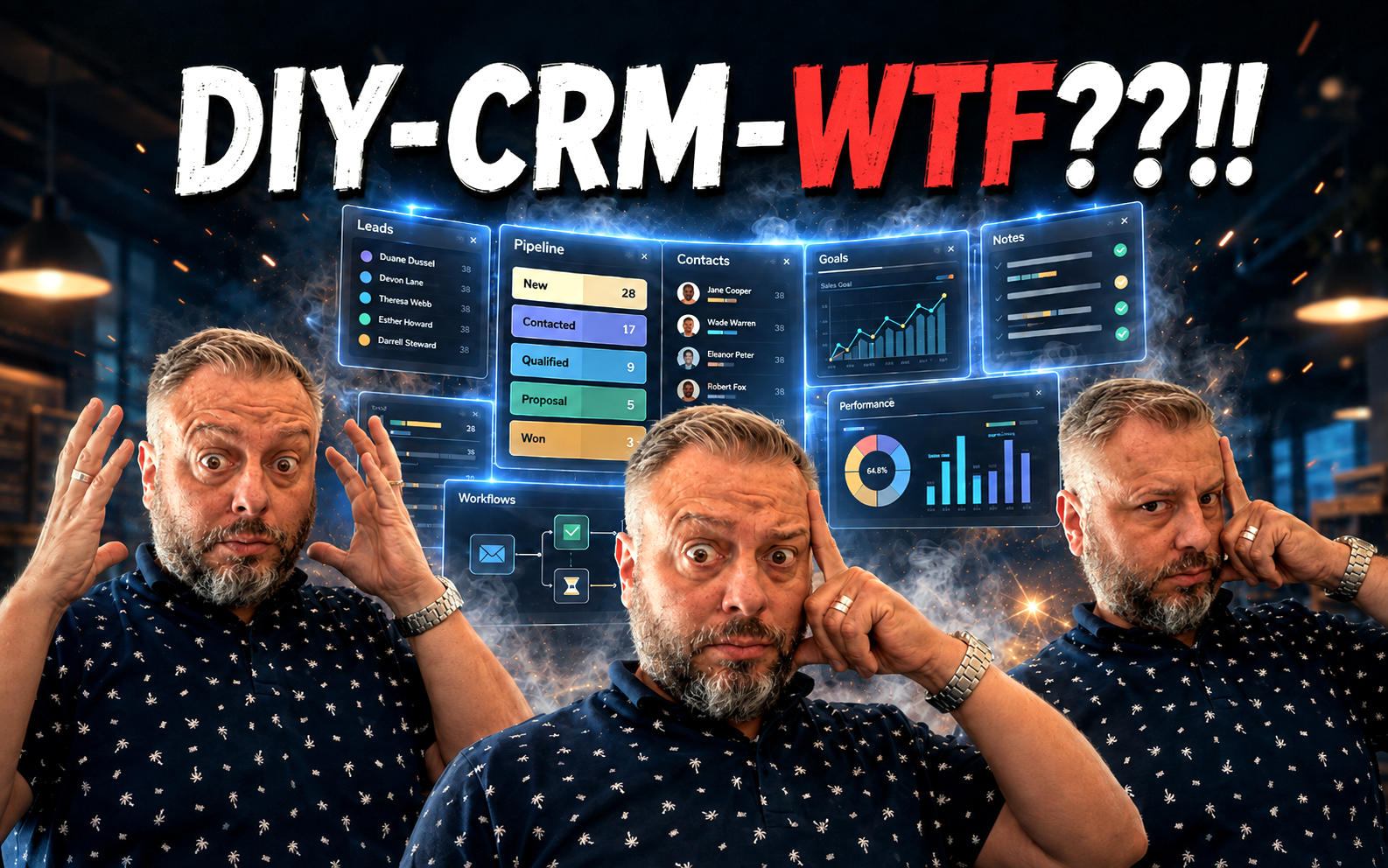
CRM is one of the most important tools in business and sales. A brand-new tiny company needs one just as much as an old, large one. But what kind of CRM is best for a new company or a first-time entrepreneur?
There are CRM systems coming out of your ears: free and expensive, huge and tiny, and every flavour in between.
But especially for a small, entrepreneur-led company, what is the best CRM?
The one that actually gets used.
One that is easy, clear and fit for purpose.
No extra bells, whistles or other pointless fluff. The harder it is to use, the less it gets used.
The most important thing when choosing a CRM is to stop choosing a CRM. At least for starters. Turn the whole thing around: first analyse what I actually need the CRM for. What do I want to put in it? What do I want to see when I open it? In what format? Which data?
There is your CRM skeleton – and absolutely nothing else. Every extra gizmo bolted around it is pointless: it slows things down, gets in the way and ultimately makes people use the CRM less.
Many off-the-shelf CRMs try to be as versatile as possible, cover every imaginable need and provide a growth platform – for absolutely everything? That is why adopting almost any CRM package usually begins with two steps:
1. Strip away everything extra and unnecessary.
2. Adapt ourselves to the way the remaining skeleton works.
Both are daft. Especially number two: while the basic idea is the same in every CRM, each one still works slightly differently. A small entrepreneur-led company usually has a very strong way of working of its own: what I sell, how I sell it and how I want to track it. It works. So why should it be forced into some CRM process diagram carved in stone?
Why not simply build the CRM around the company’s own process – the one that already works best?
It´s doable.
I analysed the options and ended up with three different models:
1. A completely ready-made CRM, such as HubSpot or Pipedrive. Remove 70% and adapt our own way of working to whatever remains.
2. Build our own from scratch with Codex?
3. Hybrid model: choose an existing platform that is flexible enough, then use the working technology underneath to build our own CRM “from scratch” on top – containing only the functions I will actually use.
I went with option 3, and Airtable got the job. It is a browser-based cloud service: essentially an interface built on top of Excel-style tables, which can be used to generate different CRM systems – or pretty much any other tracking tool. Under the Sales/Marketing section, I found several ready-made CRM templates, each with a slightly different flavour.
And then I found the awe-inspiring button: “Create new +“. Click it and – surprise – a blank canvas opens. Then you start slapping this and that onto it with a very large paintbrush.
There is, however, an easier way: use AI and ChatGPT’s capabilities:
– Create a project in the Work environment
– Tell it which features I want in the CRM and which I do not (a precise list = a better result!)
– Ask the Terra or Sol engine to produce a plan based on my requirements
– Once I have approved the plan, ask the AI to guide me step by step through building the new CRM on Airtable
That is what this story is about.
We started after morning coffee, at around nine, like this:
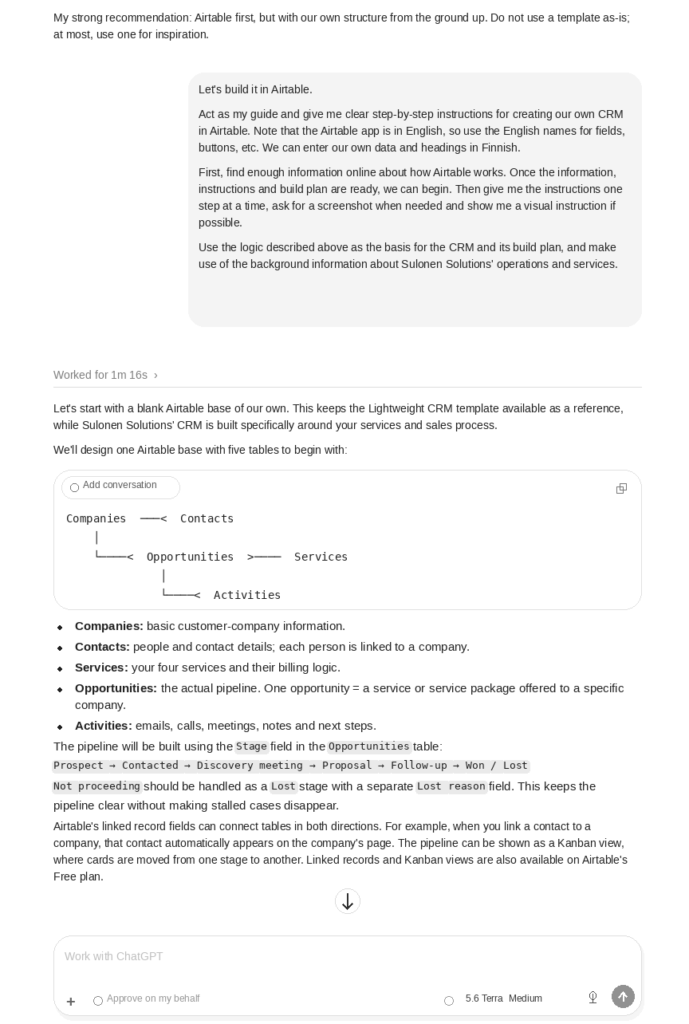
I tend to use screenshots in these projects -> ChatGPT can see what I have done on my screen and guide me when needed, as in the next example:
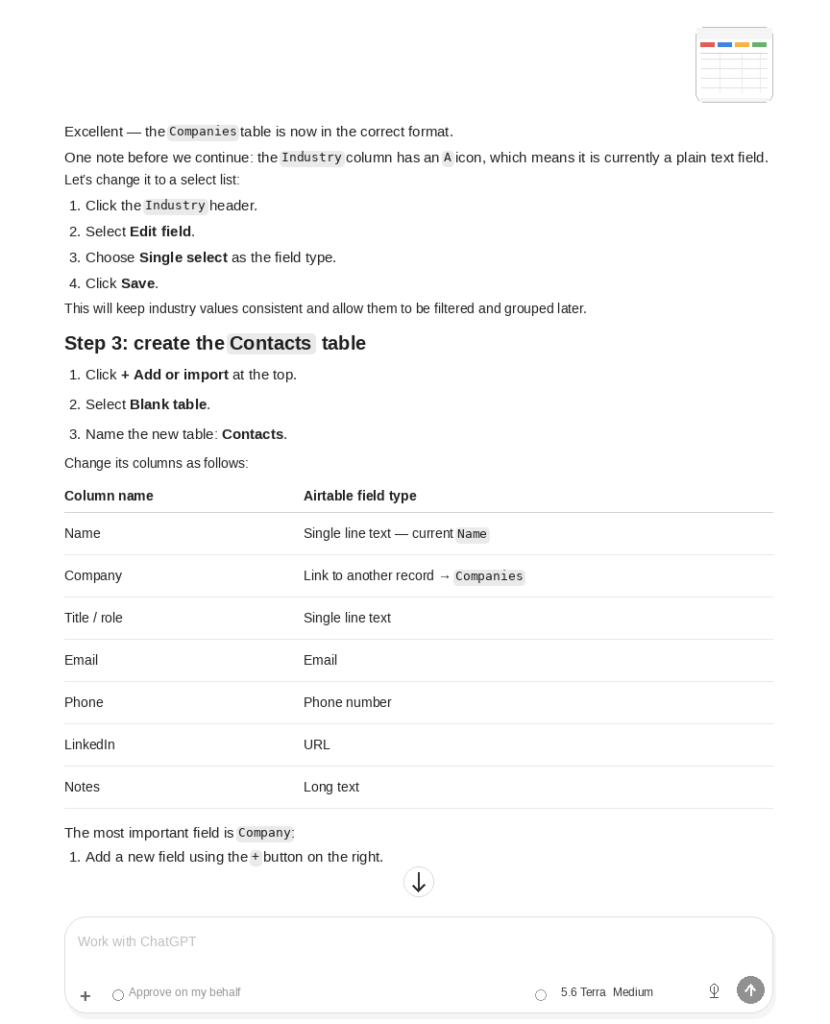
By 2:30 p.m., it was done. I also told ChatGPT to create a user guide for the CRM, lay it out on Sulonen Solutions’ official Word template, and save it in a specific folder on my Mac.
In between, I had already managed to go cycling, visit the library and stop at the supermarket on the way. Now it is done.
What on earth should I build tomorrow?